
CyberArk
PAM-SEN · Question #91
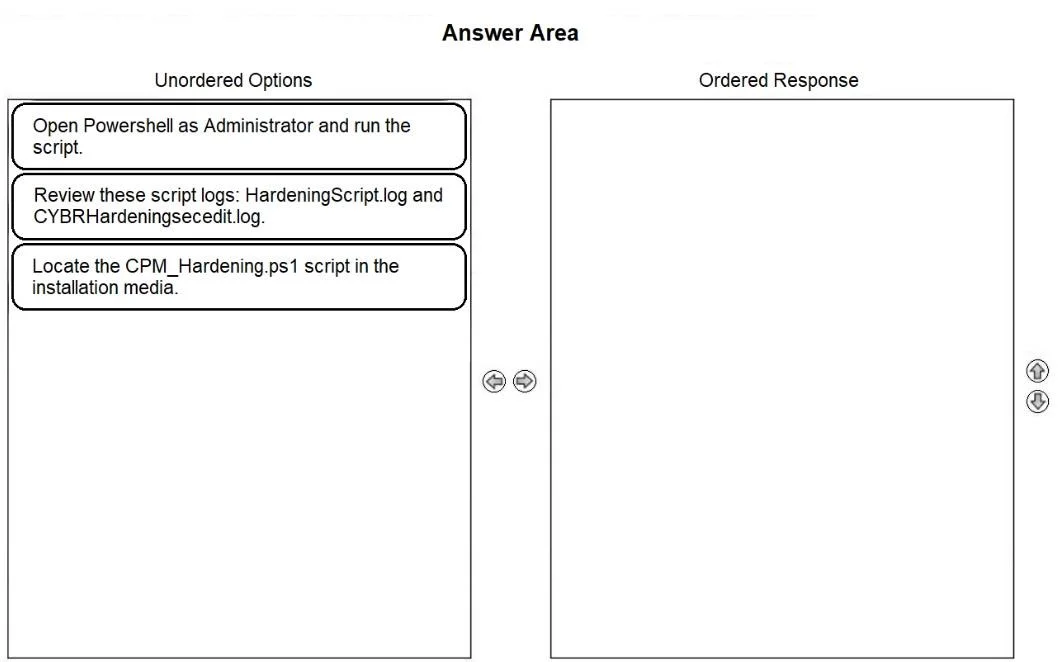
Drag and Drop Question Arrange the steps to complete CPM Hardening for Out-of-Domain Deployment in the correct sequence. Answer:
The correct answer is Locate the CPM_Hardening.ps1 script in the installation media.; Open Powershell as Administrator and run the script.; Review these script logs: HardeningScript.log and CYBRHardeningscecdit.log. You've hit your limit · resets 5:20am (America/New_York)
Security Best Practices and Hardening
Question
Drag and Drop Question Arrange the steps to complete CPM Hardening for Out-of-Domain Deployment in the correct sequence. Answer:
Exhibit
Answer Area
Drag items
Open Powershell as Administrator and run the script.Review these script logs: HardeningScript.log and CYBRHardeningscecdit.log.Locate the CPM_Hardening.ps1 script in the installation media.
Correct arrangement
- Locate the CPM_Hardening.ps1 script in the installation media.
- Open Powershell as Administrator and run the script.
- Review these script logs: HardeningScript.log and CYBRHardeningscecdit.log.
Explanation
You've hit your limit · resets 5:20am (America/New_York)
Topics
#CPM hardening#out-of-domain deployment#hardening script#PowerShell
Community Discussion
No community discussion yet for this question.