
NCP-MCI-5.20 · Question #38
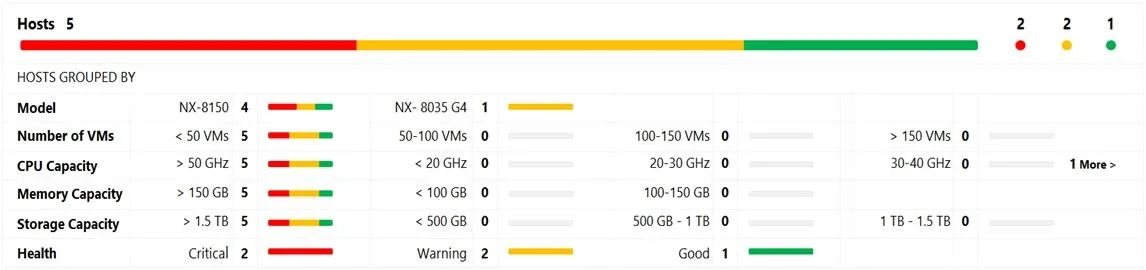
Refer to the exhibit. System Non-Root Partition Usage shows a warning or critical alert. The administrator needs to change the frequency of checks and alerts to respond more quickly. Where in Prism…
The correct answer is C. Health Dashboard > Manage Checks > Schedule. To change the schedule for running the health check, click the Schedule link for the schedulable checks at the top of the middle column, and select an interval from the drop-down list.
Question
Refer to the exhibit. System Non-Root Partition Usage shows a warning or critical alert. The administrator needs to change the frequency of checks and alerts to respond more quickly. Where in Prism Element should the administrator change the frequency of checks and alerts?
Exhibit
Options
- AHealth Dashboard > Manage Crocks > Frequency
- BAlerts Dashboard > Manage Checks > Schedule
- CHealth Dashboard > Manage Checks > Schedule
- DAlerts Dashboard > Manage Checks > Frequency
How the community answered
(57 responses)- A16% (9)
- B7% (4)
- C74% (42)
- D4% (2)
Explanation
To change the schedule for running the health check, click the Schedule link for the schedulable checks at the top of the middle column, and select an interval from the drop-down list.
Topics
Community Discussion
No community discussion yet for this question.