
N10-009 · Question #116
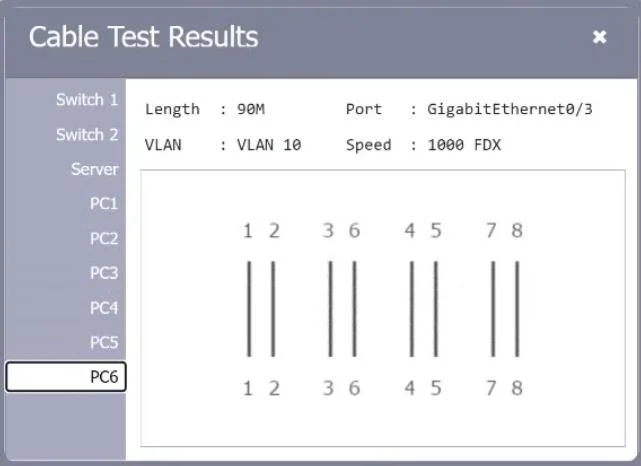
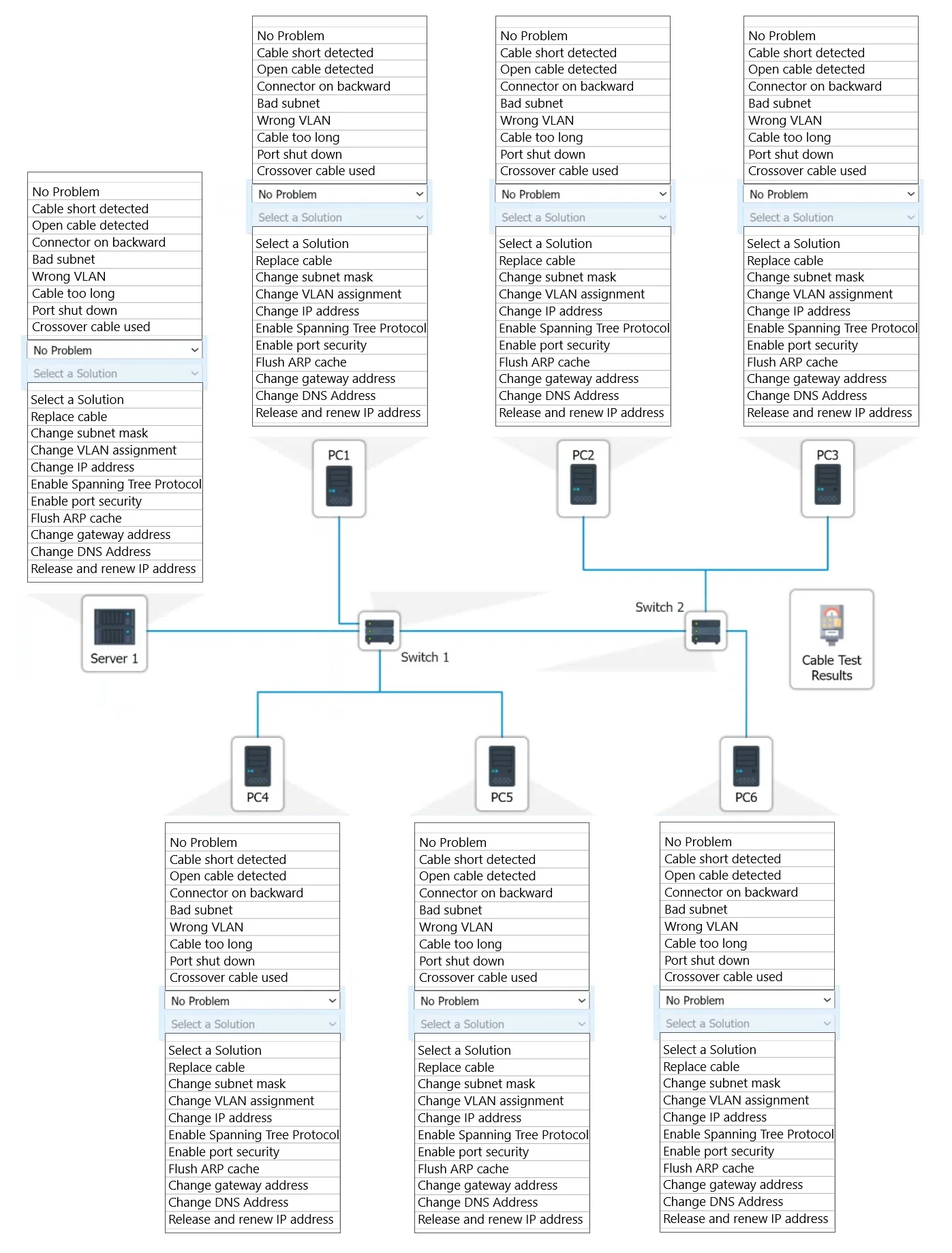
SIMULATION A network technician needs to resolve some issues with a customer's SOHO network. The customer reports that some of the PCs are not connecting to the network, while others appear to be…
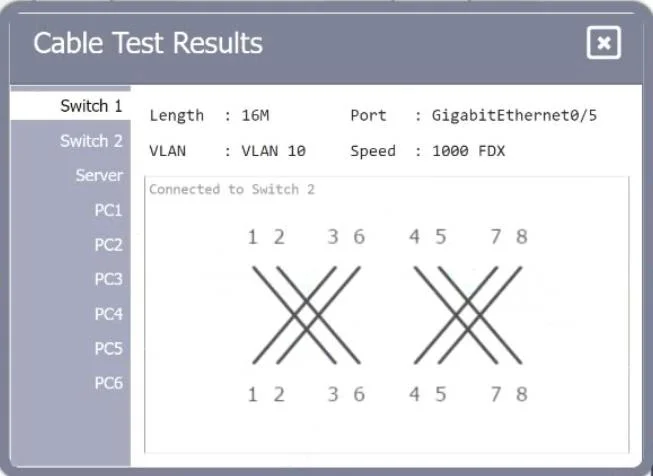
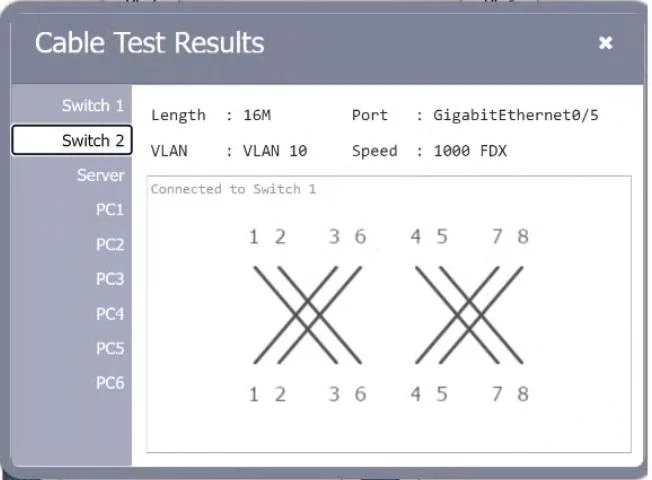
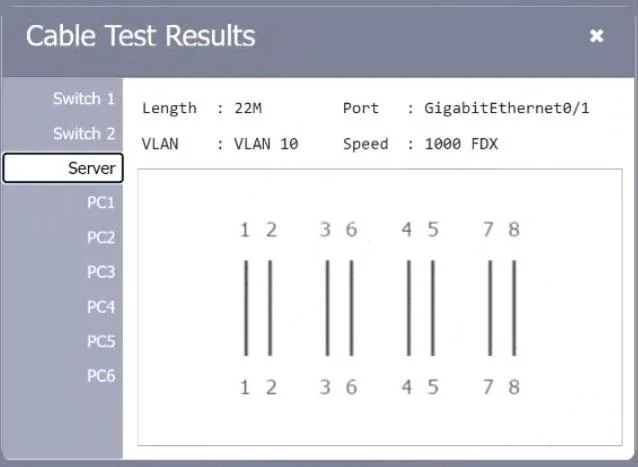
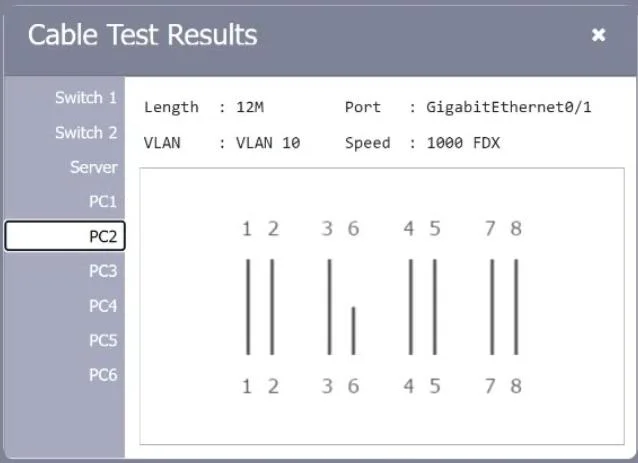
This simulation requires a systematic troubleshooting approach: start with physical layer issues by reviewing cable test results (checking for opens, shorts, or crossed pairs), then move up the OSI stack by inspecting switch port configurations (duplex, speed, VLAN…
Question
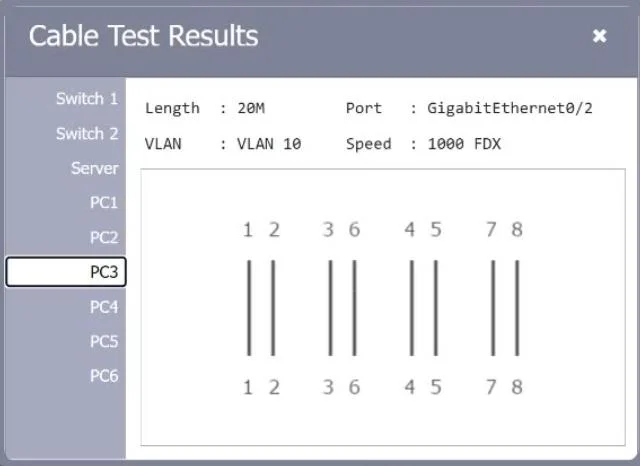
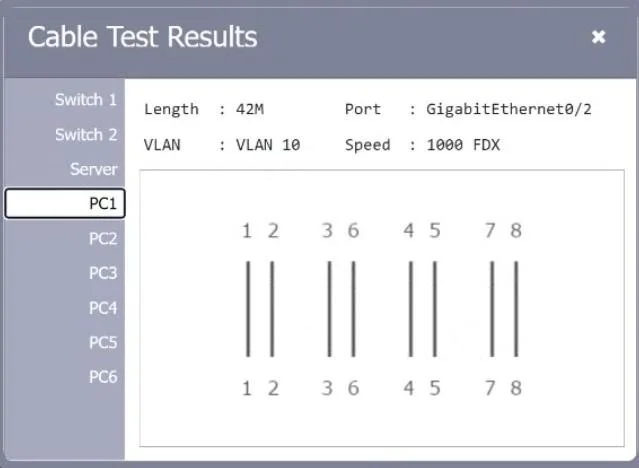
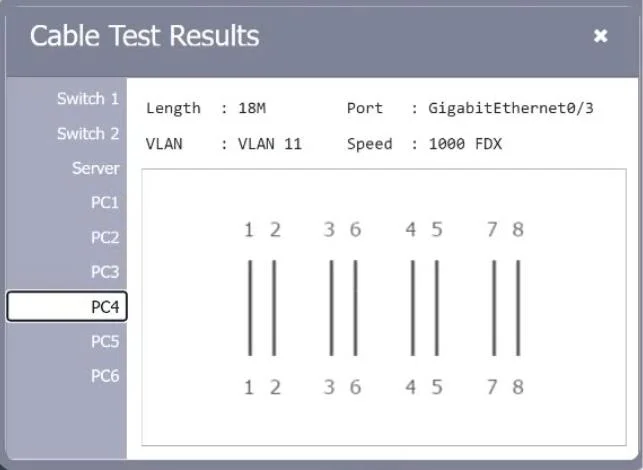
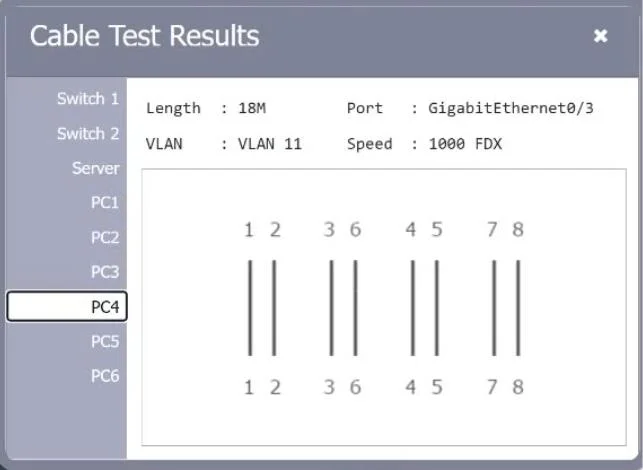
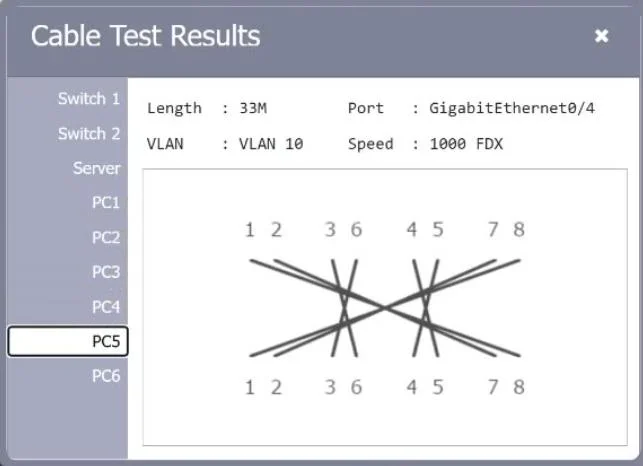
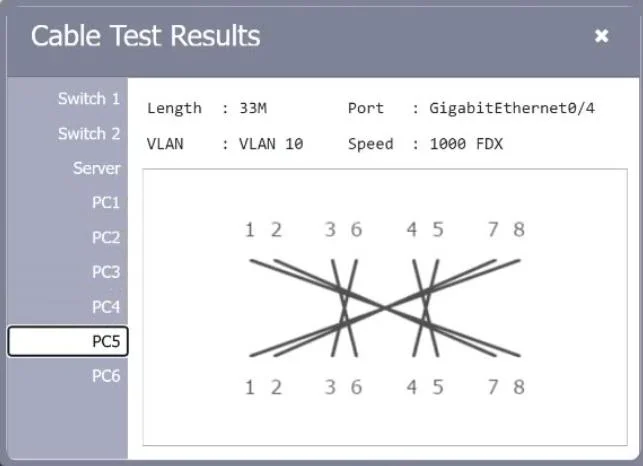
SIMULATION A network technician needs to resolve some issues with a customer's SOHO network. The customer reports that some of the PCs are not connecting to the network, while others appear to be working as intended. INSTRUCTIONS Troubleshoot all the network components. Review the cable test results first, then diagnose by clicking on the appropriate PC, server, and Layer 2 switch. Identify any components with a problem and recommend a solution to correct each problem. If at any time you would like to bring back the initial state of the simulation, please dick the Reset All button. Answer:
Exhibits
Explanation
This simulation requires a systematic troubleshooting approach: start with physical layer issues by reviewing cable test results (checking for opens, shorts, or crossed pairs), then move up the OSI stack by inspecting switch port configurations (duplex, speed, VLAN assignments), and finally check PC/server NIC settings and IP configurations. The correct resolution involves identifying which specific components have faults - such as a miswired cable, a misconfigured switch port, or an incorrect IP/subnet setting on a PC - and applying the appropriate fix to restore connectivity for the affected devices while leaving functioning devices untouched.
Topics
Community Discussion
No community discussion yet for this question.