
Microsoft
MS-700 · Question #58
You have a Microsoft 365 subscription. You need to configure the following for all users: Prevent the use of third-party apps in Microsoft Teams. Configure the Microsoft Teams app navigation bar…
To meet the requirements with minimized administrative effort: 1. To 'Prevent the use of third-party apps in Microsoft Teams', you should select 'From the Microsoft Teams admin center, modify the Org-wide app settings.' 2. To 'Configure the Microsoft Teams app navigation bar'…
Manage teams, channels, chats, and apps
Question
You have a Microsoft 365 subscription. You need to configure the following for all users:
- Prevent the use of third-party apps in Microsoft Teams.
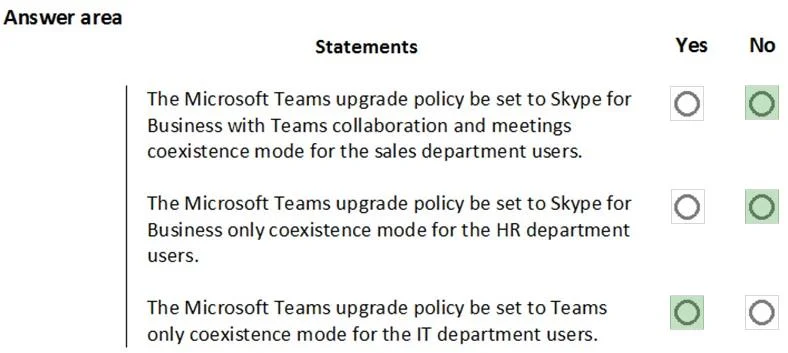
- Configure the Microsoft Teams app navigation bar. The solution must minimize administrative effort. What should you do? To answer, select the appropriate options in the answer area. NOTE: Each correct selection is worth one point.
Exhibit
Explanation
To meet the requirements with minimized administrative effort:
- To 'Prevent the use of third-party apps in Microsoft Teams', you should select 'From the Microsoft Teams admin center, modify the Org-wide app settings.'
- To 'Configure the Microsoft Teams app navigation bar', you should select 'Modify the global app setup policy.'
Topics
#Teams app policies#App permission policies#App setup policies#Teams administration
Community Discussion
No community discussion yet for this question.