
Microsoft
MB6-704 · Question #49
Your company is performing a security audit. You need to provide a list of all the roles that have access to a form named Forml. What should you do?
Sign in or unlock MB6-704 to reveal the answer and full explanation for question #49. The question stem and answer options stay visible for context.
Manage Data and Security
Question
Your company is performing a security audit. You need to provide a list of all the roles that have access to a form named Forml. What should you do?
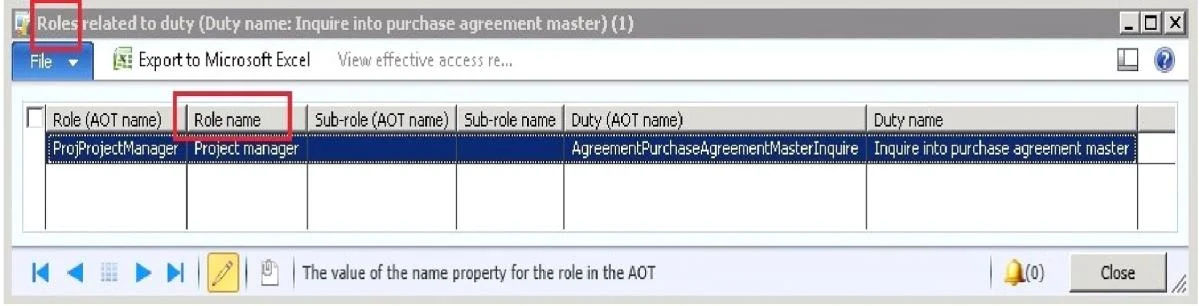
Exhibit
Options
- AFrom the Dynamics AX client open System administration, click Common, click Users, and then
- BFrom the File menu of the Dynamics AX client, click Tools and then click Options
- CFrom the Application Object Tree (AOT), right-click Forml, click Add-ins click Security tools, and
- DFrom the Application Object Tree (AOT), open Security, right-click a role, click Add-ins. click
Unlock MB6-704 to see the answer
You've previewed enough free MB6-704 questions. Unlock MB6-704 for full answers, explanations, the timed quiz mode, progress tracking, and the master PDF. Question stem and options stay visible so you can still see what's on the exam.
Topics
#security audit#role access#AOT security tools#form permissions