
DP-300 · Question #358
SIMULATION In an Azure SQL database named db1, you need to enable page compression on the PK_SalesOrderHeader_SalesOrderID clustered index of the SalesLT.SalesOrderHeader table. To complete this…
The correct approach is to use ALTER INDEX with REBUILD and DATA_COMPRESSION = PAGE in T-SQL, or through SSMS by right-clicking the index and selecting 'Properties' to set the compression type to 'Page' and rebuilding. Page compression in Azure SQL Database reduces storage by…
Question
Exhibit
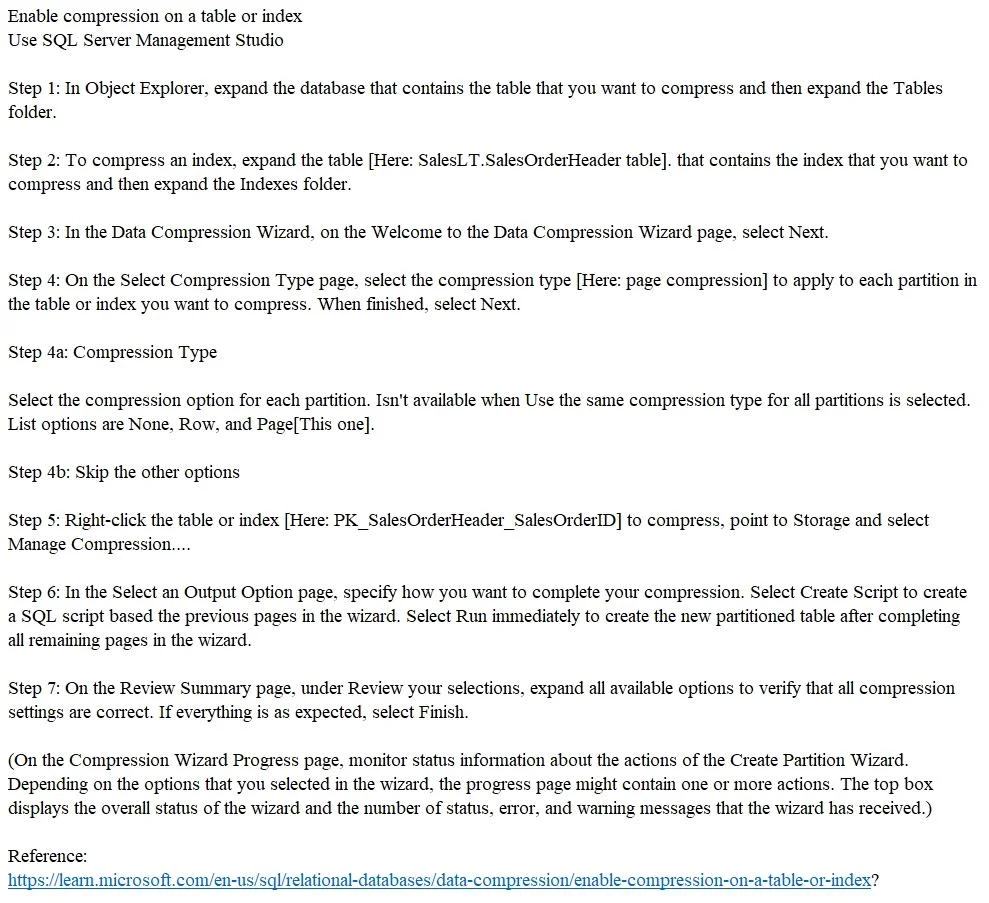
Explanation
The correct approach is to use ALTER INDEX with REBUILD and DATA_COMPRESSION = PAGE in T-SQL, or through SSMS by right-clicking the index and selecting 'Properties' to set the compression type to 'Page' and rebuilding. Page compression in Azure SQL Database reduces storage by compressing repeated data patterns at the page level, and applying it to a clustered index requires rebuilding the index with the new compression setting. The T-SQL command would be: ALTER INDEX [PK_SalesOrderHeader_SalesOrderID] ON [SalesLT].[SalesOrderHeader] REBUILD WITH (DATA_COMPRESSION = PAGE).
Topics
Community Discussion
No community discussion yet for this question.