
DP-300 · Question #356
SIMULATION You need to ensure that all queries executed against db1 are captured in the Query Store. To complete this task, sign in to the virtual machine. You may need to use SQL Server Management…
Setting the Query Store Operation Mode to 'Read Write' is the correct configuration because it enables SQL Server to actively capture and store query execution data, including runtime statistics and query plans. Without 'Read Write' mode, the Query Store is either disabled…
Question
Exhibit
Explanation
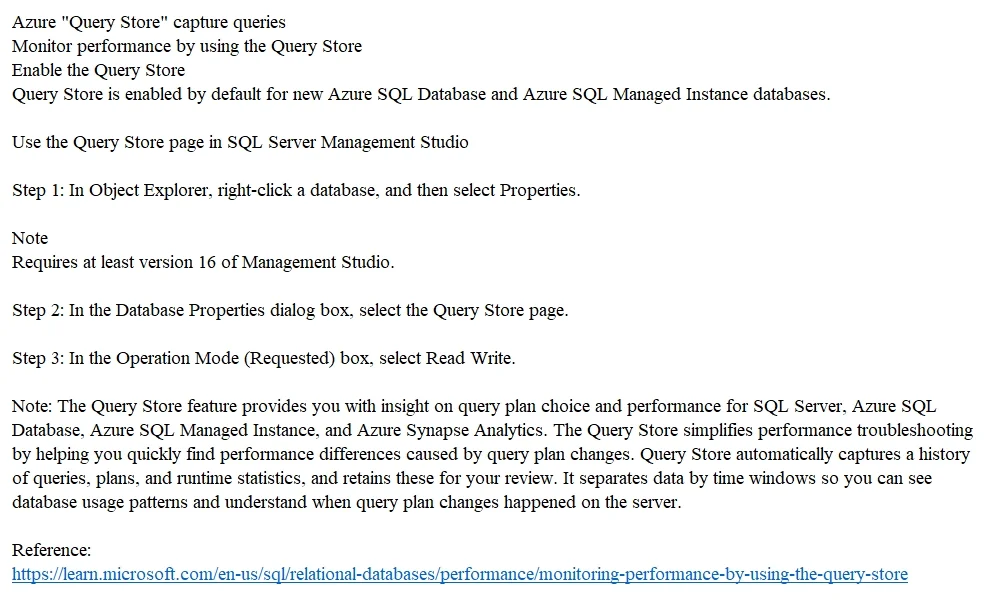
Setting the Query Store Operation Mode to 'Read Write' is the correct configuration because it enables SQL Server to actively capture and store query execution data, including runtime statistics and query plans. Without 'Read Write' mode, the Query Store is either disabled (Off) or in a read-only state where it cannot capture new queries. This setting is accessible through SQL Server Management Studio via Database Properties > Query Store page, and ensures all queries against db1 are captured as required.
Topics
Community Discussion
No community discussion yet for this question.