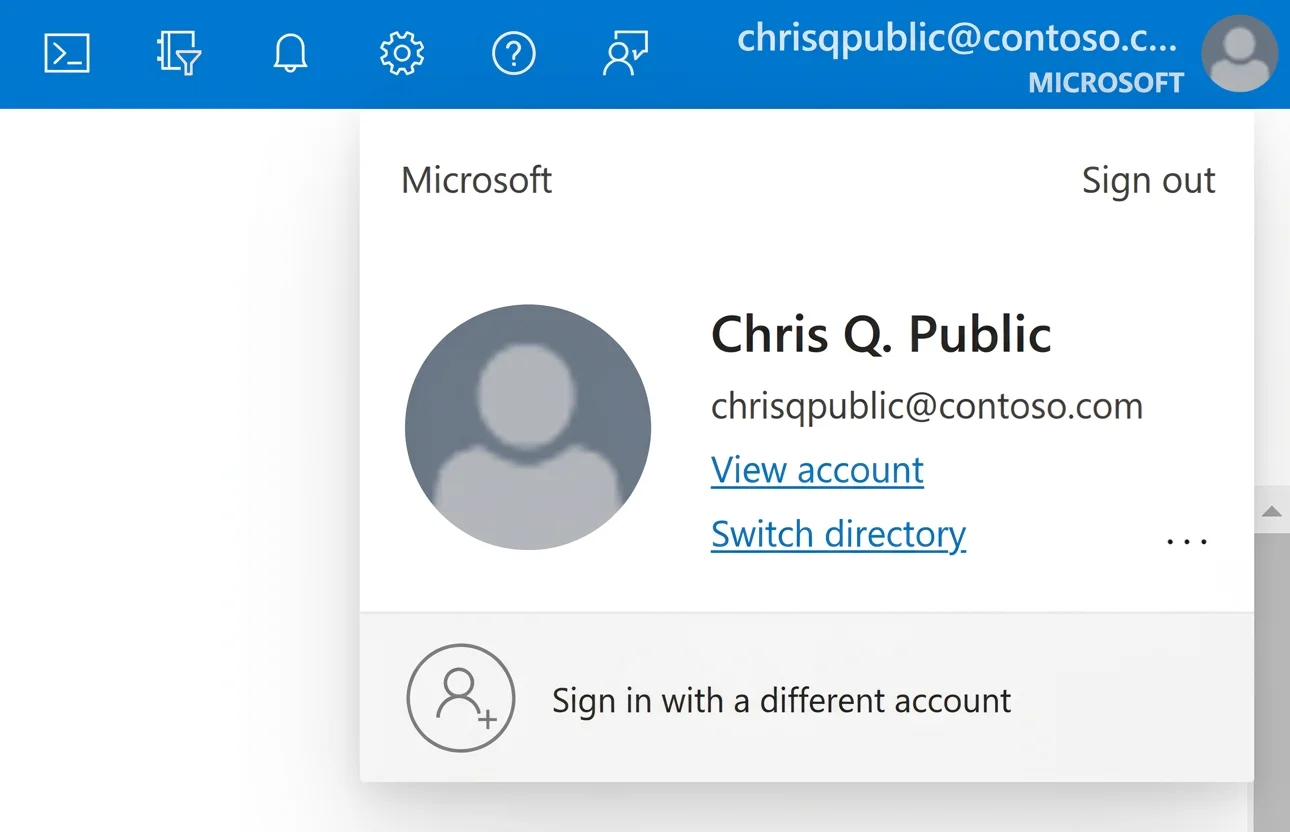
SIMULATION You plan to create an automation runbook that will create database users in db1 from Azure AD identities. You need to configure sql12345678 to support the creation of new database users. To complete this task, sign in to the virtual machine. You may need to use SQL Server Management Studio and the Azure portal. Answer: Provision Microsoft Entra admin (SQL Managed Instance) Your SQL Managed Instance needs permission to read Microsoft Entra ID to accomplish tasks such as authentication of users through security group membership or creation of new users. For this to work, you must grant the SQL Managed Instance permission to read Microsoft Entra ID. You can do this using the Azure portal or PowerShell. To grant your SQL Managed Instance read permissions to Microsoft Entra ID using the Azure portal, sign in as a Global Administrator and follow these steps: Step 1: In the Azure portal, in the upper-right corner select your account, and then choose Switch directories to confirm which directory is your Current directory. Switch directories, if necessary. Step 2: Choose the correct Microsoft Entra directory as the Current directory. This step links the subscription associated with Microsoft Entra ID to the SQL Managed Instance, ensuring the Microsoft Entra tenant and SQL Managed Instance use the same subscription. Step 3: Now, you can choose your Microsoft Entra admin for your SQL Managed Instance. For that, go to your managed instance resource in the Azure portal and select Microsoft Entra admin under Settings. Step 4: Select the banner on top of the Microsoft Entra admin page and grant permission to the current user. Step 5: After the operation succeeds, the following notification will show up in the top-right corner: Note: Microsoft Entra authentication uses identities in Microsoft Entra ID to access data sources such as Azure SQL Database, Azure SQL Managed Instance, and Azure Synapse Analytics. The Microsoft.Data.SqlClient namespace allows client applications to specify Microsoft Entra credentials in different authentication modes when they're connecting to Azure SQL Database and Azure SQL Managed Instance. To use Microsoft Entra authentication with Azure SQL, you must configure and manage Microsoft Entra authentication with Azure SQL. Reference:
https://learn.microsoft.com/en-us/azure/azure-sql/database/authentication-aad-configure https://learn.microsoft.com/en-us/sql/connect/ado-net/sql/azure-active-directory-authentication