
DP-203 · Question #177
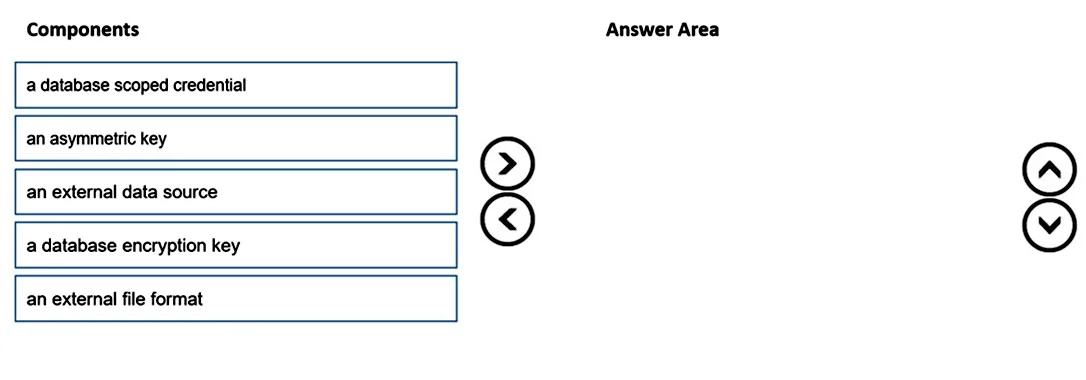
Drag and Drop Question You are responsible for providing access to an Azure Data Lake Storage Gen2 account. Your user account has contributor access to the storage account, and you have the…
The correct answer is a database scoped credential; an external data source; an external file format. To configure PolyBase to connect Azure Synapse Analytics to an Azure Data Lake Storage Gen2 account, you must first create a database scoped credential to securely store the storage account credentials (application ID and access key or managed identity). Next, you create an…
Question
Exhibit
Answer Area
Drag items
Correct arrangement
- a database scoped credential
- an external data source
- an external file format
Explanation
To configure PolyBase to connect Azure Synapse Analytics to an Azure Data Lake Storage Gen2 account, you must first create a database scoped credential to securely store the storage account credentials (application ID and access key or managed identity). Next, you create an external data source that references the credential and points to the ADLS Gen2 location. Finally, you create an external file format to define the structure and format (e.g., Parquet, CSV, ORC) of the files to be loaded - this sequence is mandatory as each object depends on the prior one.
Topics
Community Discussion
No community discussion yet for this question.