
CKS · Question #70
Context You must implement auditing for the kubeadm provisioned cluster. Task First, reconfigure the cluster 's API server, so that: . the basic audit policy located at…
The task requires configuring Kubernetes API server auditing by modifying its manifest with specific logging parameters and creating/extending an audit policy file to log different resource interactions at various detail levels.
Question
Exhibit
Explanation
The task requires configuring Kubernetes API server auditing by modifying its manifest with specific logging parameters and creating/extending an audit policy file to log different resource interactions at various detail levels.
Approach. The correct interaction, assuming access to the Kubernetes master node's terminal, involves two primary steps:
- Modify the
kube-apiserverstatic pod manifest: Access the Kubernetes master node (e.g., via SSH) and edit thekube-apiserver.yamlfile, typically located at/etc/kubernetes/manifests/kube-apiserver.yaml. Within thecommandsection for thekube-apiservercontainer, add or modify the following arguments:--audit-policy-file=/etc/kubernetes/logpolicy/audit-policy.yaml--audit-log-path=/var/log/kubernetes/audit-logs.txt--audit-log-maxage=10--audit-log-maxbackup=2Thekubeletrunning on the master node monitors this manifest file; once changes are saved, it will automatically restart thekube-apiserverpod, applying the new configuration.
- Create/Extend the audit policy file: Create or edit the audit policy file at
/etc/kubernetes/logpolicy/audit-policy.yaml. The file must adhere to the Kubernetes audit policy YAML structure withapiVersion: audit.k8s.io/v1andkind: Policy. The policy rules should be ordered from most specific to most general. The existing 'basic policy' (which 'only specifies what not to log') would typically containlevel: Nonerules. The new, more specific rules must be inserted before any genericlevel: Nonerules and before the final catch-all rule, to ensure they are processed. The YAML content should be similar to:
After saving the policy file, the API server, having restarted with the newapiVersion: audit.k8s.io/v1 kind: Policy omitStages: - "RequestReceived" # Good practice to ensure parsed object is available for logging rules: # Log namespaces interactions at RequestResponse level - level: RequestResponse resources: - group: "" # Core API group resources: ["namespaces"] # Log the request body of deployments interactions in the namespace webapps - level: Request resources: - group: "apps" resources: ["deployments"] namespaces: ["webapps"] # Log ConfigMap and Secret interactions in all namespaces at the Metadata level - level: Metadata resources: - group: "" resources: ["configmaps", "secrets"] # All other requests at the Metadata level (catch-all, must be last in effective order) - level: Metadata--audit-policy-fileargument, will load and use this extended policy. Verification involves checking for the creation and content of the/var/log/kubernetes/audit-logs.txtfile.
Common mistakes.
- common_mistake. Common mistakes include spending time troubleshooting the
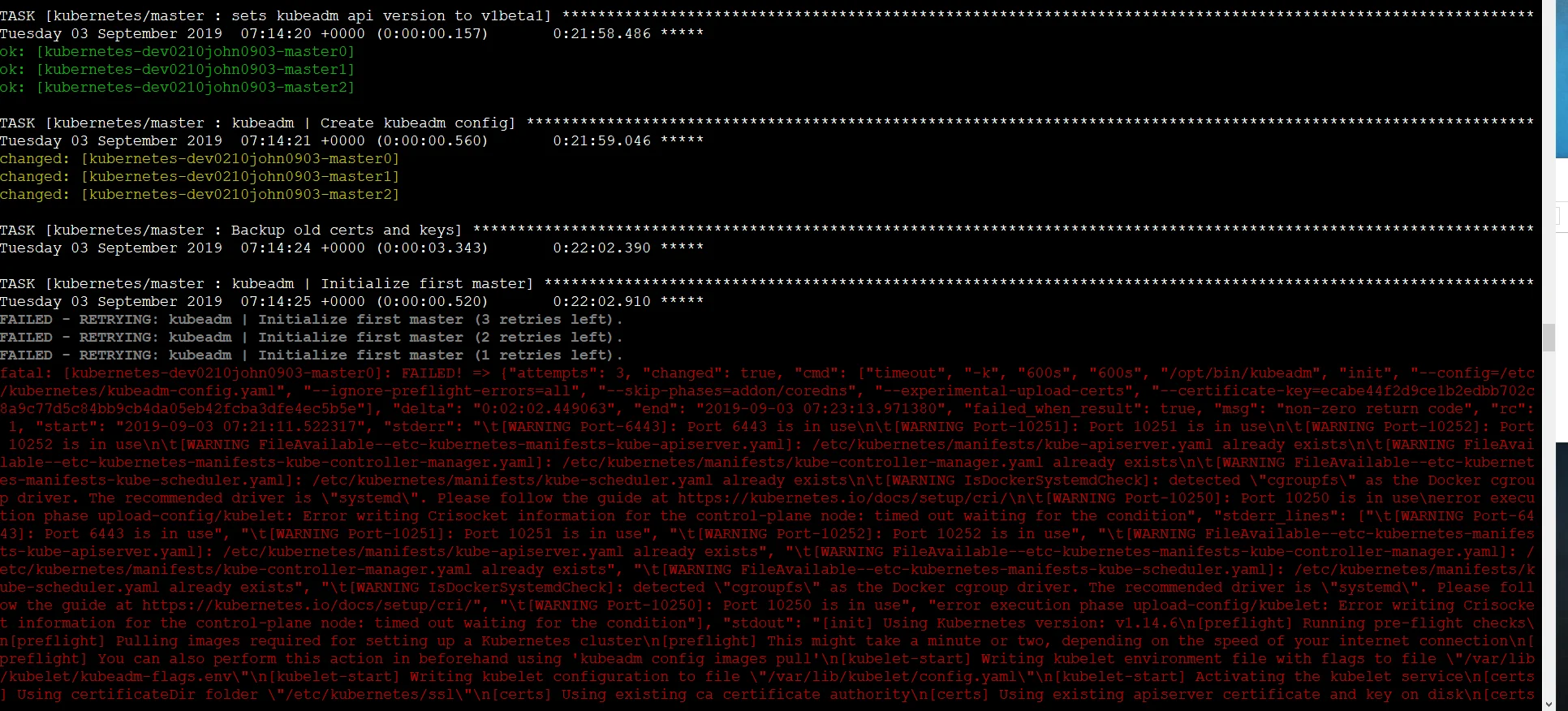
kubeadm initfailure shown in the exhibit images, which is not part of the stated task and could be a distraction. Other errors involve incorrect arguments in thekube-apiserver.yamlmanifest (e.g., wrong flag names, paths, or retention values), leading to the API server failing or audit logs not being generated. Incorrect YAML syntax or improper rule ordering in theaudit-policy.yamlfile (e.g., placing broadlevel: Metadataorlevel: Nonerules before more specific ones) will result in unintended logging behavior. Forgetting to ensure the API server restarts after configuration changes (though often automated bykubeletfor static pods) would also prevent the new auditing settings from taking effect. Not including theapiVersionandkindin the audit policy file is also a common oversight.
Concept tested. This question tests the candidate's understanding of Kubernetes API server auditing, including how to configure the API server's static pod manifest with audit-related flags, and how to define/extend an audit policy using YAML. It specifically assesses knowledge of audit policy rules (levels, resources, namespaces), kubelet's role in managing static pods, and basic file system operations on a Linux host for Kubernetes configuration. Implicitly, it also tests the ability to distinguish between relevant and irrelevant information in an exam scenario.
Reference. https://kubernetes.io/docs/tasks/debug/debug-cluster/audit/
Topics
Community Discussion
No community discussion yet for this question.