nerdexam
Linux_FoundationLinux_Foundation

CKA · Question #50

CKA Question #50: Real Exam Question with Answer & Explanation

The correct approach involves creating a YAML file for a Kubernetes Ingress resource with the specified name and namespace, including a minimal valid specification, and then applying this file using the kubectl apply command within the provided web terminal.

Submitted by yasin.bd· May 4, 2026Services & Networking

Question

Create a new Ingress resource as follows: - Name: echo - Namespace: sound-repeater

Explanation

The correct approach involves creating a YAML file for a Kubernetes Ingress resource with the specified name and namespace, including a minimal valid specification, and then applying this file using the kubectl apply command within the provided web terminal.

Approach. The task requires creating a new Kubernetes Ingress resource with a specific name ('echo') and namespace ('sound-repeater'). Since the provided images show a web terminal, the interaction must occur within this command-line environment.

  1. Open a text editor: The test-taker should open a text editor within the terminal to create a new YAML file for the Ingress resource. A common choice is vi or nano. For example: vi echo-ingress.yaml.

  2. Define the Ingress YAML: The YAML file must include the apiVersion, kind, metadata (with name and namespace), and a minimal valid spec for an Ingress. Since the question only provides the name and namespace, a common practice in exams is to infer a basic, functional spec (e.g., pointing to a common backend service on a standard port). A typical minimal functional Ingress that would validate against the Kubernetes API is as follows:

    apiVersion: networking.k8s.io/v1
    kind: Ingress
    metadata:
      name: echo
      namespace: sound-repeater
    spec:
      rules:
      - http:
          paths:
          - path: /
            pathType: Prefix
            backend:
              service:
                name: echo-service # A placeholder service name, implied by 'echo' ingress name
                port:
                  number: 80 # Common HTTP port
    
  3. Save the file: After entering the YAML content, save the file and exit the editor (e.g., in vi, press Esc, type :wq, and press Enter).

  4. Apply the resource: Use the kubectl apply command to create the Ingress resource from the YAML file: kubectl apply -f echo-ingress.yaml.

This sequence ensures that a valid Ingress resource conforming to the specified requirements is created in the Kubernetes cluster.

Common mistakes.

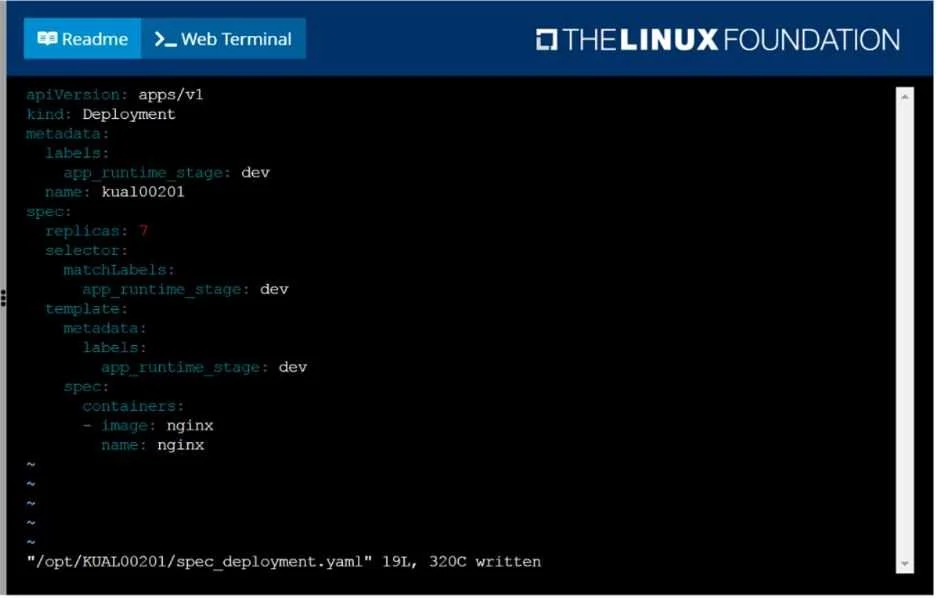
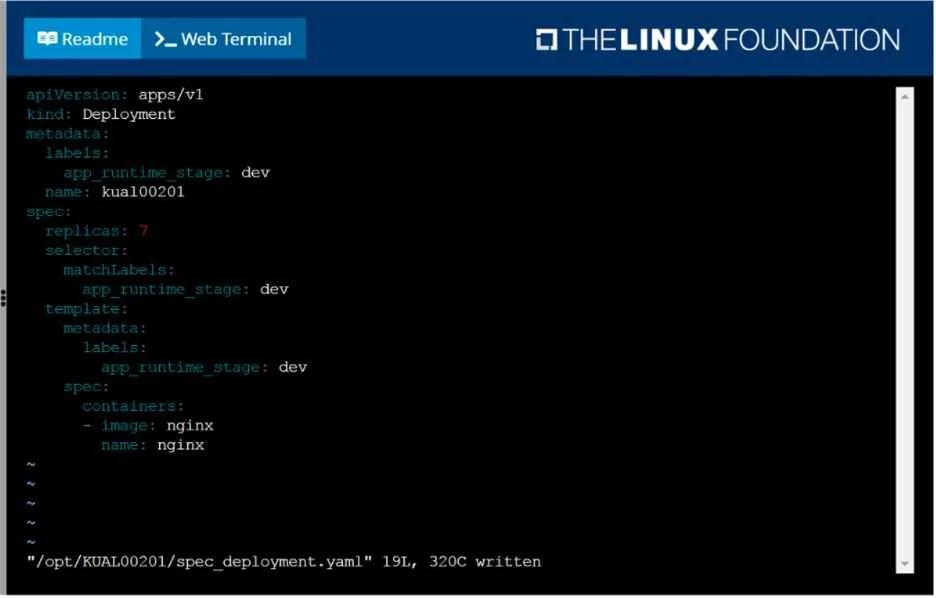
  • common_mistake. 1. Trying to modify the displayed spec_deployment.yaml: The Deployment YAML shown in the exhibit is unrelated to the task. Attempting to edit this file or derive an Ingress from it would be incorrect.
  1. Incorrect Ingress YAML syntax: Forgetting required fields like apiVersion: networking.k8s.io/v1, kind: Ingress, or incorrect indentation will lead to validation errors.
  2. Omitting the spec section or providing an invalid spec: An Ingress resource (specifically networking.k8s.io/v1) requires either spec.rules or spec.defaultBackend to be valid. Simply providing apiVersion, kind, and metadata will result in a validation error ('Ingress.networking.k8s.io "echo" is invalid: [spec: Required value, spec.rules: Required value]').
  3. Using kubectl create ingress directly: The kubectl create ingress command is not designed to directly create an Ingress resource with detailed rules via command-line flags. While kubectl create can generate basic YAML for some resources using --dry-run=client -o yaml, it doesn't provide a ready-to-use Ingress manifest with rules, making manual YAML creation or editing a generated template the most reliable approach.
  4. Incorrect namespace or name: Typos in name: echo or namespace: sound-repeater would result in the resource not being created as specified.

Concept tested. 1. Kubernetes Ingress Resource: Understanding the purpose, structure, and required fields of an Ingress resource (apiVersion, kind, metadata, spec, rules, backend). 2. YAML Manifests: Proficiency in writing and understanding Kubernetes resource definitions in YAML format. 3. kubectl Commands: Ability to use kubectl apply -f to create resources from a file, and familiarity with terminal text editors like vi or nano. 4. Kubernetes API Validation: Awareness that Kubernetes API server validates resource definitions for completeness and correctness.

Topics

#Ingress#Networking#kubectl#Resource Creation

Community Discussion

No community discussion yet for this question.

Full CKA PracticeBrowse All CKA Questions