
AZ-500 · Question #471
SIMULATION The developers at your company plan to create a web app named App28681041 and to publish You need to perform the following tasks: - Ensure that App28681041 is registered to Azure AD…
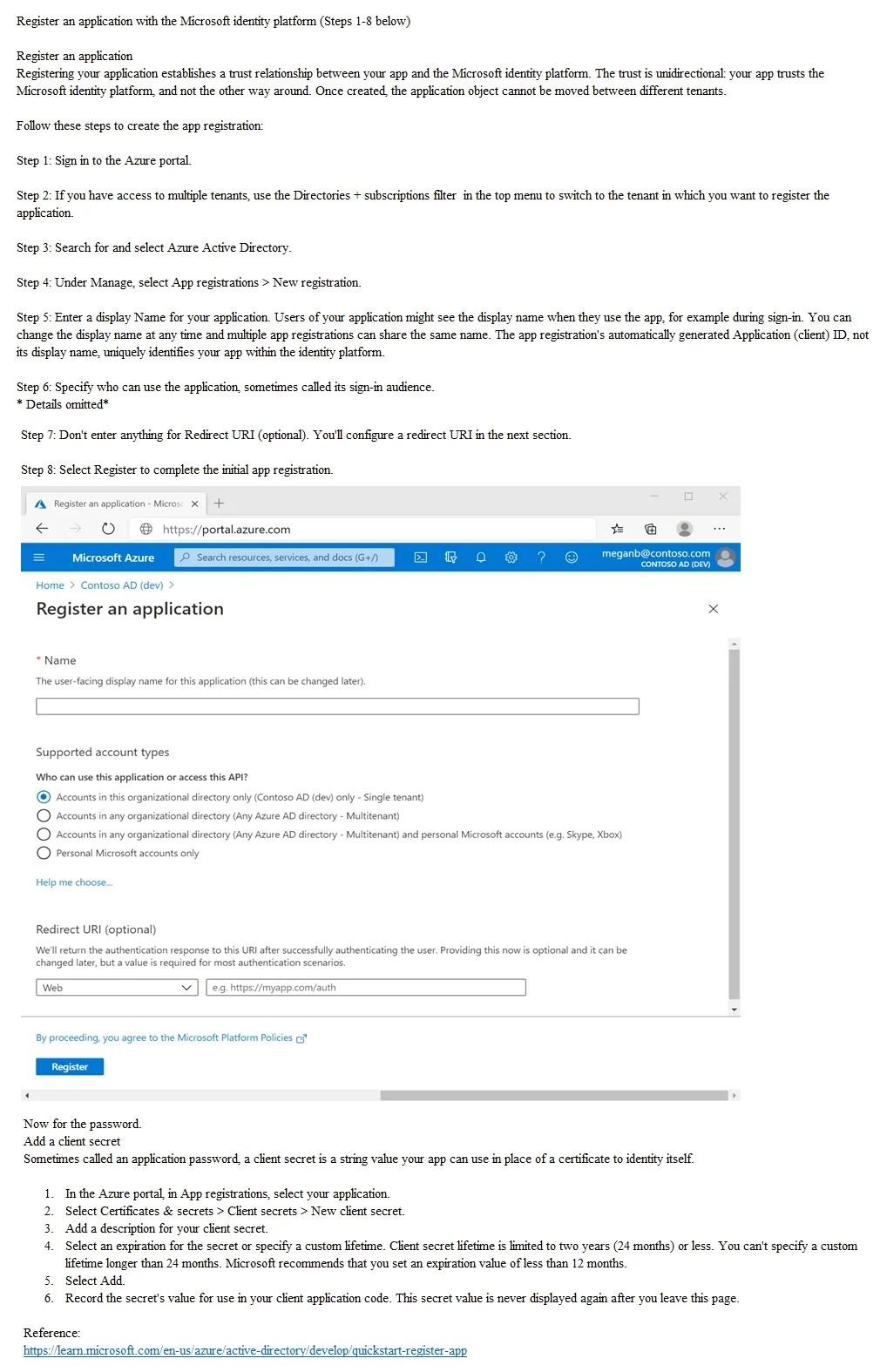
To register an application in Azure AD and generate a password (client secret), you must navigate to Azure Active Directory > App registrations > New registration, provide the app name (App28681041), and complete the registration. After registration, you generate a password by…
Question
Exhibit
Explanation
To register an application in Azure AD and generate a password (client secret), you must navigate to Azure Active Directory > App registrations > New registration, provide the app name (App28681041), and complete the registration. After registration, you generate a password by going to Certificates & Secrets under the app's Manage section and creating a new client secret - this secret acts as the application's password for authentication. This two-step process (register first, then create a client secret) is the standard and required workflow for enabling app-based authentication with Azure AD.
Topics
Community Discussion
No community discussion yet for this question.