
AZ-500 · Question #210
SIMULATION You need to create a new Azure Active Directory (Azure AD) directory named 10317806.onmicrosoft.com. The new directory must contain a user named user10317806 who is configured to sign in…
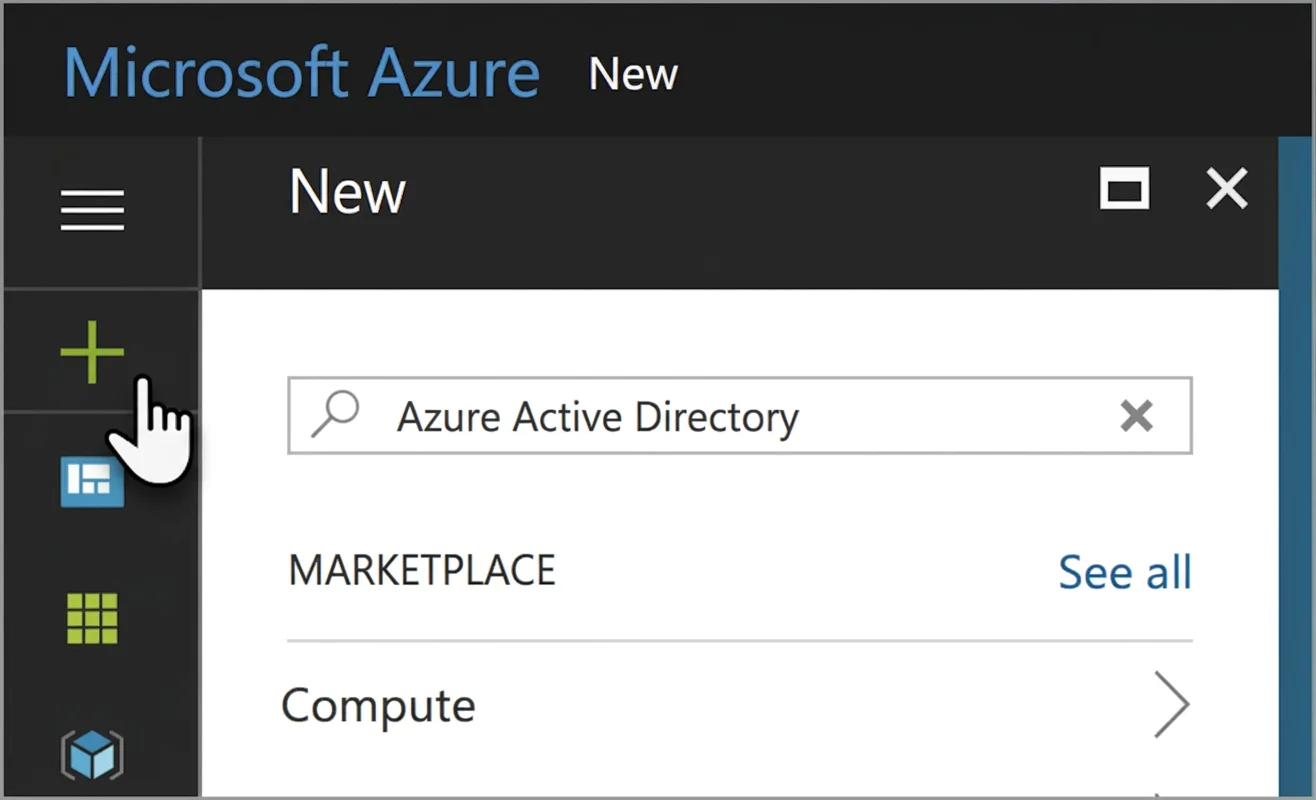
The correct process involves creating a new Azure AD tenant by navigating to the Azure portal, searching for and selecting 'Azure Active Directory,' and providing the required organization name and initial domain name (10317806.onmicrosoft.com). After the directory is created…
Question
Exhibit
Explanation
The correct process involves creating a new Azure AD tenant by navigating to the Azure portal, searching for and selecting 'Azure Active Directory,' and providing the required organization name and initial domain name (10317806.onmicrosoft.com). After the directory is created, a user (user10317806) must be added to that new tenant, and MFA must be enabled for that user either through the Azure AD MFA settings, Conditional Access policies, or the per-user MFA portal - this is the only supported workflow for provisioning a new isolated directory with MFA-enabled users in Azure. This simulation tests hands-on knowledge of Azure AD tenant creation and MFA configuration, which are foundational identity management tasks.
Topics
Community Discussion
No community discussion yet for this question.