
AZ-104 · Question #197
Drag and Drop Question You have an Azure Linux virtual machine that is protected by Azure Backup. One week ago, two files were deleted from the virtual machine. You need to restore the deleted files…
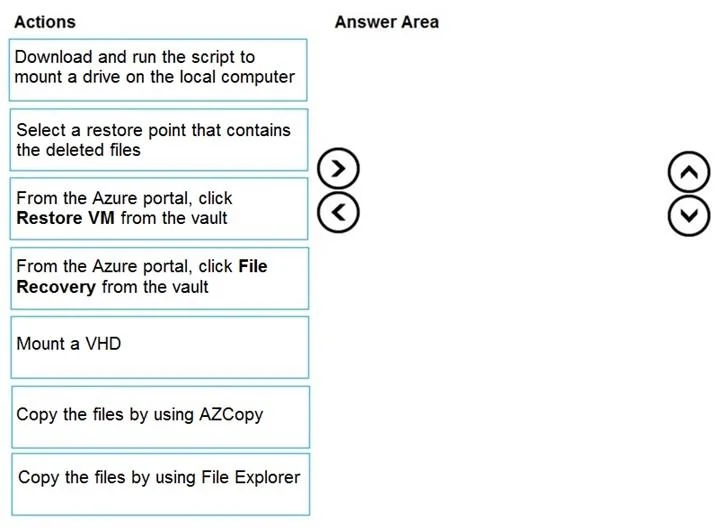
The correct answer is From the Azure portal, click File Recovery from the vault; Select a restore point that contains the deleted files; Download and run the script to mount a drive on the local computer; Copy the files by using File Explorer. The correct sequence uses Azure Backup's File Recovery feature, which allows granular file-level restore without restoring the entire VM. You first initiate File Recovery from the vault, select a restore point from before the deletion occurred (one week ago), download and run…
Question
Exhibit
Answer Area
Drag items
Correct arrangement
- From the Azure portal, click File Recovery from the vault
- Select a restore point that contains the deleted files
- Download and run the script to mount a drive on the local computer
- Copy the files by using File Explorer
Explanation
The correct sequence uses Azure Backup's File Recovery feature, which allows granular file-level restore without restoring the entire VM. You first initiate File Recovery from the vault, select a restore point from before the deletion occurred (one week ago), download and run the generated script that mounts the backup snapshot as a local drive on the Windows Server 2016 machine, and finally copy the specific deleted files using File Explorer. This is the fastest method for restoring individual files to an on-premises machine without needing to restore the full VM.
Topics
Community Discussion
No community discussion yet for this question.