
SAS_Institute
A00-270 · Question #105
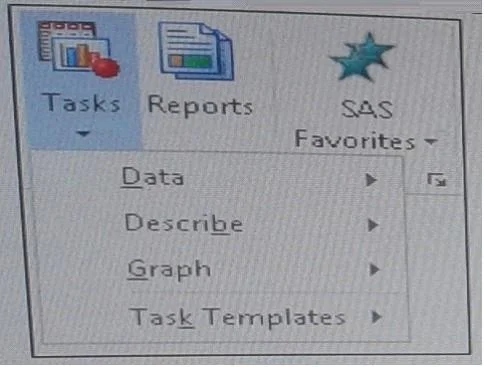
A user has limited access to tasks when using the SAS Add-in for Microsoft as shown below. How does the SAS platform administrator control which tasks the user sees within the SAS add- in?
The correct answer is A. By setting access permissions. See the full explanation below for the reasoning.
Question
A user has limited access to tasks when using the SAS Add-in for Microsoft as shown below. How does the SAS platform administrator control which tasks the user sees within the SAS add- in?
Exhibit
Options
- ABy setting access permissions
- BCustomizing the tasks during the installation process
- CModifying a configuration option in the Microsoft applications
- DThrough the use of metadata roles
How the community answered
(38 responses)- A76% (29)
- B13% (5)
- C5% (2)
- D5% (2)
Community Discussion
No community discussion yet for this question.