
Microsoft
70-667 · Question #164
How to enable and disable anonymous access for document libraries and web parts
The correct answer is A. Go to library settings for the document library or web part. See the full explanation below for the reasoning.
Question
How to enable and disable anonymous access for document libraries and web parts
Exhibit
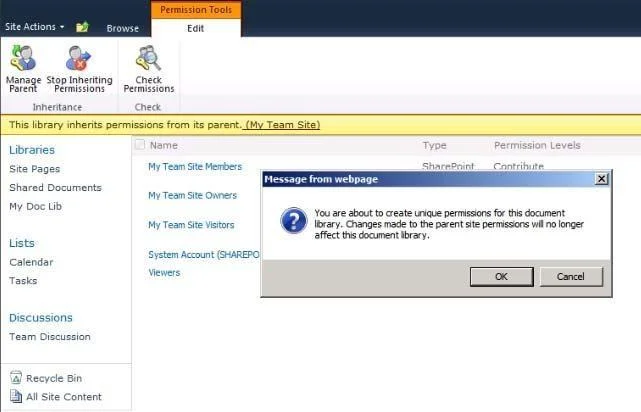
Options
- AGo to library settings for the document library or web part.
- BUse PowerShell Cmdlet Install - SPUser - Identity Site Settings - Add AnonymousCacheProfile.
- CFrom Central Administration click Site input cache and select Anonymous check box.
- DFrom Central Administration, create a new site collection, and then add an alternate access mapping
How the community answered
(25 responses)- A80% (20)
- B12% (3)
- C4% (1)
- D4% (1)
Community Discussion
No community discussion yet for this question.