
350-401 · Question #950
Lab Simulation 6 Guidelines This is a lab item in which tasks will be performed on virtual devices. - Refer to the Tasks tab to view the tasks for this lab item. - Refer to the Topology tab to…
EEM Applet: Auto Re-enable Loopback0 Overall Goal Embedded Event Manager (EEM) is a Cisco IOS subsystem that lets the router react to events autonomously - no human intervention required. This applet watches syslog messages and triggers a CLI sequence whenever Loopback0 is shut…
Question
Lab Simulation 6 Guidelines This is a lab item in which tasks will be performed on virtual devices.
- Refer to the Tasks tab to view the tasks for this lab item.
- Refer to the Topology tab to access the device console(s) and perform the tasks.
- Console access is available for all required devices by clicking the device icon or using the
tab(s) above the console window.
- All necessary preconfigurations have been applied.
- Do not change the enable password or hostname for any device.
- Save your configurations to NVRAM before moving to the next item.
- Click Next at the bottom of the screen to submit this lab and move to the next question.
- When Next is clicked, the lab closes and cannot be reopened.
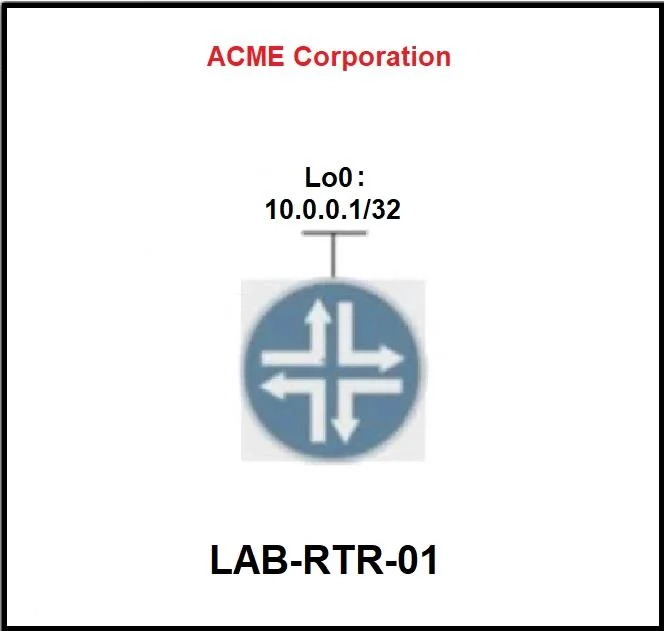
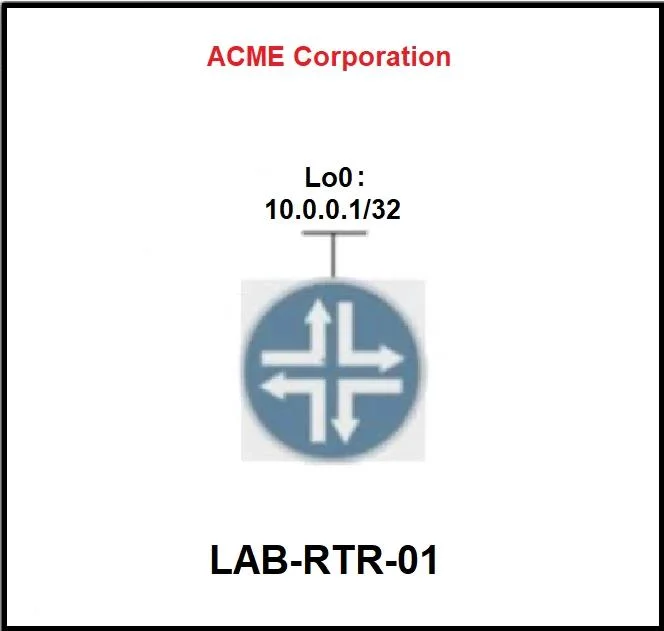
Topology Tasks Configure an EEM applet on LAB-RTR-01 that will automatically re-enable interface Loopback0 if it is administratively shut down. Answer:
LAB-RTR-01>enable (cisco) LAB-RTR-01#config t LAB-RTR-01(config)#interface loopback 0 LAB-RTR-01(config-if)#shutdown (syslogInterface Loopback0, changed state to administratively down LAB-RTR-01(config-if)#no shut LAB-RTR-01(config-if)#exit LAB-RTR-01(config)#event manager applet ReEnableLoopback0 LAB-RTR-01(config-applet)# event syslog pattern "Interface Loopback0, changed state to administratively down " (syslog) LAB-RTR-01(config-applet)# action 1.0 cli command "enable" LAB-RTR-01(config-applet)# action 2.0 cli command "conf t" LAB-RTR-01(config-applet)# action 3.0 cli command "interface loopback 0" LAB-RTR-01(config-applet)# action 4.0 cli command "no shutdown" LAB-RTR-01(config-applet)#end LAB-RTR-01#wr
Exhibits
Explanation
EEM Applet: Auto Re-enable Loopback0
Overall Goal
Embedded Event Manager (EEM) is a Cisco IOS subsystem that lets the router react to events autonomously - no human intervention required. This applet watches syslog messages and triggers a CLI sequence whenever Loopback0 is shut down, immediately bringing it back up. This is useful for critical interfaces (e.g., OSPF router-IDs, BGP loopbacks, management endpoints) that must stay up even if someone accidentally runs shutdown.
Step-by-Step Breakdown
Steps 1-2: enable -> config t
Enter privileged exec, then global config mode. All EEM applets are defined in global config. Skip this and you can't configure anything.
Steps 3-5: interface loopback 0 -> shutdown -> no shut
This is the syslog discovery step - not accidental.
- You need to know the exact syslog message text that IOS generates when Loopback0 goes down.
- By issuing
shutdown, IOS prints:Interface Loopback0, changed state to administratively down - You immediately undo it with
no shut- this is just reconnaissance.
Why it matters: The EEM event syslog pattern uses regex matching. If you mistype even one character in the pattern, the trigger never fires. Seeing the real message ensures you copy it exactly.
Step 6: exit
Leaves interface config mode back to global config. Required - you can't define an EEM applet from within interface config mode.
Step 7: event manager applet ReEnableLoopback0
Creates and names the EEM applet. The name (ReEnableLoopback0) is arbitrary but should be descriptive. This enters (config-applet) mode where you define the trigger and actions.
Step 8: event syslog pattern "Interface Loopback0, changed state to administratively down "
Defines the trigger condition. EEM monitors syslog in real time and fires the applet when this pattern matches.
- The trailing space after "down" is intentional - it ensures the pattern matches the real message precisely and avoids false partial matches.
- If skipped: The applet has no trigger and never runs.
- If the pattern is wrong: The applet silently never fires - very hard to debug.
Step 9: action 1.0 cli command "enable"
The applet runs in a limited context by default (not full privileged access). This explicitly elevates to enable mode so subsequent commands have permission to change interface state.
If skipped: The conf t command in action 2.0 will fail - you can't enter global config without privilege level 15.
Step 10: action 2.0 cli command "conf t"
Enters global configuration mode. Required before you can configure an interface.
Step 11: action 3.0 cli command "interface Loopback 0"
Navigates to the Loopback0 interface context so the next command applies to the right interface.
Step 12: action 4.0 cli command "no shutdown"
The actual remediation - re-enables the interface. This generates another syslog message (changed state to up), which does not match the trigger pattern, so the applet doesn't loop.
Step 13: end
Exits config mode and returns to privileged exec. Required before saving.
Step 14: wr (write memory)
Saves the running config to NVRAM. Critical for the lab - configurations not saved are lost on reload. In production, this also ensures the applet survives reboots.
What Happens If Steps Are Out of Order or Skipped
| Mistake | Consequence |
|---|---|
| Skip steps 3-5 (syslog discovery) | Pattern likely has a typo; applet never triggers |
Skip action 1.0 cli command "enable" | Actions 2-4 fail silently due to insufficient privilege |
| Wrong action numbering (e.g., duplicate numbers) | Later action overwrites earlier one |
Skip wr | Config lost on reload; exam marked incomplete |
Memory Tip
Think of EEM as a security camera + guard:
event syslog pattern= the camera watching for a specific eventactionsequence = the guard's scripted response
The action commands mirror exactly what a human would type at the CLI - that's the easiest way to build them: mentally walk through the manual fix (enable -> conf t -> interface loopback 0 -> no shutdown) and translate each step into an action line.
Topics
Community Discussion
No community discussion yet for this question.