
300-415 · Question #450
Refer to the exhibit. A WAN Edge device cannot connect to SD-WAN Validator; however, can ping it. Which action resolves the issue?
The correct answer is C. Install the correct root certificate on WAN Edge. If a WAN Edge can ping the SD-WAN Validator but cannot establish a control connection, the most common issue is a problem with certificate-based authentication.
Question
Exhibit
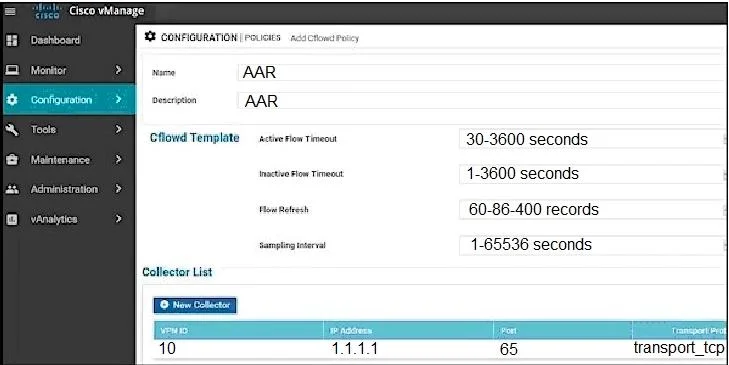
Options
- AVerify that the SD-WAN Validator IP address is correct.
- BModify the system IP on WAN Edge.
- CInstall the correct root certificate on WAN Edge.
- DSwitch the peer protocol from DTLS to TLS.
How the community answered
(40 responses)- A3% (1)
- B5% (2)
- C83% (33)
- D10% (4)
Why each option
If a WAN Edge can ping the SD-WAN Validator but cannot establish a control connection, the most common issue is a problem with certificate-based authentication.
The ability to ping the SD-WAN Validator confirms that its IP address is correct and reachable from the WAN Edge, ruling out an incorrect IP as the root cause.
Modifying the system IP on the WAN Edge device is a logical identifier change and would not directly resolve a failure to establish a secure control connection when basic network reachability (ping) is confirmed.
In Cisco SD-WAN, control plane connections (DTLS/TLS) between WAN Edges and the SD-WAN Validator (vBond) are secured using certificates; if the WAN Edge lacks the correct root certificate to validate the Validator's certificate, the secure connection will fail despite basic IP connectivity.
Switching the peer protocol between DTLS and TLS does not address the underlying issue of certificate validation, as both protocols rely on properly installed and trusted certificates for secure communication.
Concept tested: Cisco SD-WAN WAN Edge onboarding and certificate requirements
Source: https://www.cisco.com/c/en/us/td/docs/routers/sdwan/configuration/sdwan-xe-gs-cr-book/sdwan-deploy-devices.html
Topics
Community Discussion
No community discussion yet for this question.