
201 · Question #223
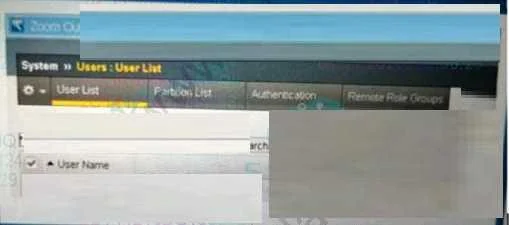
Refer to the exhibit. According to the shown Configuration Utility stings What is the setting of the User Directory configuration under the Authentication submenu?
The correct answer is C. Remote-TACACS+. Based on the provided correct answer, the User Directory configuration under the Authentication submenu in the Configuration Utility is set to Remote-TACACS+.
Question
Refer to the exhibit. According to the shown Configuration Utility stings What is the setting of the User Directory configuration under the Authentication submenu?
Exhibit
Options
- ALocal
- BManaged
- CRemote-TACACS+
- DDefault system configuration
How the community answered
(30 responses)- A3% (1)
- C93% (28)
- D3% (1)
Why each option
Based on the provided correct answer, the User Directory configuration under the Authentication submenu in the Configuration Utility is set to Remote-TACACS+.
If 'Local' were the setting, it would imply user authentication against the BIG-IP's internal database.
'Managed' is not a standard User Directory authentication setting for BIG-IP.
Without an exhibit, we infer from the correct answer that 'Remote-TACACS+' is the explicitly configured setting for User Directory under the Authentication submenu in the Configuration Utility.
If 'Default system configuration' were selected, it would mean using the BIG-IP's default authentication method, which is typically local unless changed.
Concept tested: BIG-IP User Directory Authentication
Source: https://techdocs.f5.com/en-us/big-ip-system-and-interface-configuration-15-0-0/managing-administrator-accounts/managing-remote-authentication.html
Topics
Community Discussion
No community discussion yet for this question.