
200-101 · Question #124
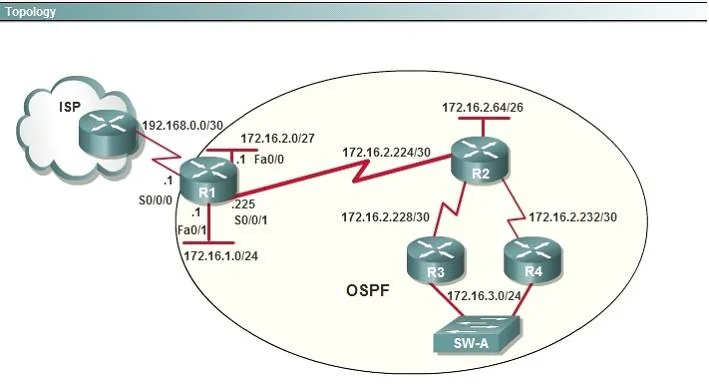
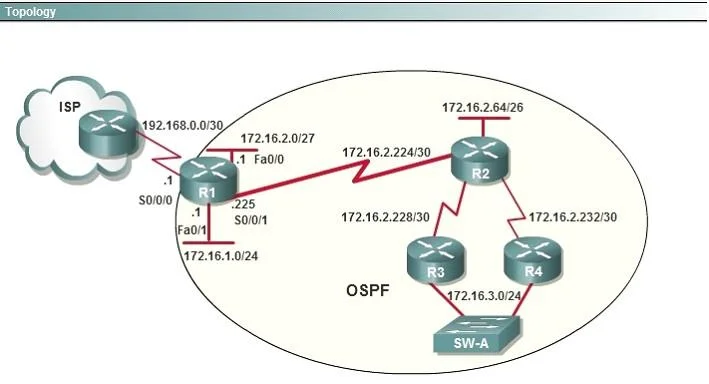
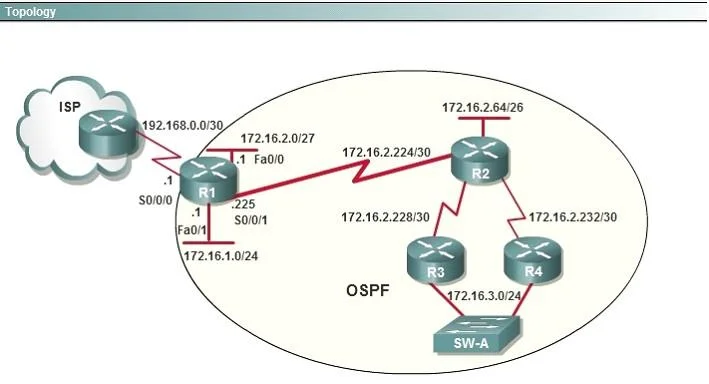
Refer to the exhibit. You are connected to the router as user Mike. Which command allows you to see output from the OSPF debug command?
The correct answer is A. terminal monitor. Cisco IOS sends debug and syslog output to the console port by default and suppresses it on VTY (Telnet/SSH) sessions. A remote user must issue 'terminal monitor' to redirect that output to their active session.
Question
Exhibits
Options
- Aterminal monitor
- Bshow debugging
- Cshow sessions
- Dshow ip ospf interface
How the community answered
(42 responses)- A88% (37)
- B2% (1)
- C7% (3)
- D2% (1)
Why each option
Cisco IOS sends debug and syslog output to the console port by default and suppresses it on VTY (Telnet/SSH) sessions. A remote user must issue 'terminal monitor' to redirect that output to their active session.
'terminal monitor' instructs the IOS process to copy debug output and syslog messages to the current VTY session for the duration of that connection. Without this command, Mike's remote session receives nothing from active debug commands such as 'debug ip ospf', even though the debugs are running on the router. The command has no effect on the console, which always receives debug output regardless.
'show debugging' lists which debug commands are currently active on the router but does not enable those messages to appear on a VTY session.
'show sessions' displays active outbound Telnet connections initiated from the router to other devices and has no relationship to debug output visibility.
'show ip ospf interface' shows static OSPF interface state such as area membership, DR/BDR election results, and hello/dead intervals but does not display live debug output.
Concept tested: Redirecting debug output to remote VTY sessions
Source: https://www.cisco.com/c/en/us/td/docs/ios-xml/ios/debug/command/db-cr-book/db-t1.html
Topics
Community Discussion
No community discussion yet for this question.